Standard productivity advice (like 'just try harder') completely fails ADHD brains. Discover why visual timelines are the missing key to unlocking your potential.
Most productivity advice is built around a simple assumption: if you know what needs to be done, you will naturally do it.
For many people with ADHD, this assumption does not reflect reality.
You may understand your responsibilities clearly. You may even want to complete them. Yet starting tasks, maintaining routines, or remembering responsibilities can still feel difficult.
This is why many common productivity tips fail for ADHD.
Advice like “just make a list” or “set more reminders” often ignores the real challenges ADHD brains experience, including:
Instead of relying on willpower, many people benefit from tools designed specifically for how ADHD brains process information.
This is where visual planning systems become powerful.
Visual planning converts abstract responsibilities into something you can actually see.
Instead of relying on memory or long text lists, tasks and routines appear inside a clear visual structure.
This reduces cognitive load and helps answer important questions instantly:
When your life is organized visually, planning becomes easier to maintain.
This is the philosophy behind DoMind.
DoMind provides a calm visual environment where tasks, events, notes, habits, and routines can all live together inside one system.
Many people try to manage their life across multiple apps.
Tasks may live in one tool, notes in another, calendar events somewhere else, and reminders scattered across different systems.
This fragmentation increases mental effort.
ADHD productivity improves when everything exists in one clear environment.
DoMind allows users to organize different parts of life together:
Because these elements exist inside the same visual planner, users do not need to switch between multiple productivity systems.
Everything stays visible and organized.
When adding tasks feels complicated, people naturally avoid doing it.
This leads to responsibilities remaining inside your head instead of inside a reliable system.
A good ADHD productivity tool should allow tasks to be created quickly.
In DoMind, users can add:
The easier it is to capture information, the more likely you are to maintain the system.
Reminders can be helpful, but they are not always necessary.
Some people benefit from notifications that prompt them to start tasks.
Others prefer a quieter environment where responsibilities simply remain visible inside their planner.
DoMind supports both approaches.
Users can choose to:
This flexibility allows users to design a productivity system that fits their personal attention style.
Many responsibilities repeat regularly.
Examples include:
Manually recreating these tasks every time adds unnecessary effort.
DoMind allows users to create recurring tasks that automatically appear again.
These tasks can repeat in two ways:
This system keeps routines running without requiring constant manual planning.
Large tasks can feel overwhelming, especially when they lack clear starting points.
Breaking tasks into smaller steps makes them easier to begin.
Instead of writing “finish project,” it may help to create smaller steps like:
Each small action reduces resistance and builds momentum.
Momentum is one of the most powerful productivity drivers.
Routines help stabilize attention and energy levels.
Habits may include:
Habit tracking helps maintain consistency.
DoMind allows users to track habits visually and monitor progress over time.
Seeing streaks and patterns makes routines easier to maintain.
Productivity is not limited to work.
Household responsibilities are a major part of everyday life.
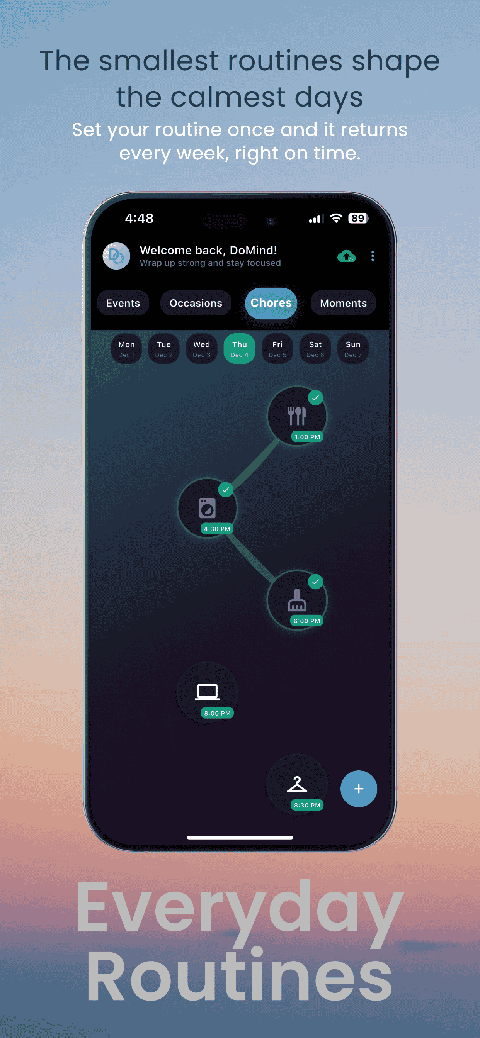
Chores such as cleaning, laundry, and maintenance often repeat each week.
DoMind includes chore tracking so these tasks remain organized and visible.
Users can:
This helps maintain household structure without relying on memory.
ADHD brains often generate ideas quickly.
The challenge is remembering them later.
Capturing ideas immediately prevents them from disappearing.
Notes inside DoMind allow users to store thoughts, plans, and reminders in the same environment as their tasks.
This reduces the risk of losing important information.
Productivity is not only about completing work.
Life also includes meaningful moments and experiences.
DoMind allows users to track:
This creates a more holistic planning system where productivity and life experiences exist together.
ADHD productivity is not about forcing yourself to work harder.
It is about designing systems that work with how your brain naturally operates.
Visual planning reduces cognitive load, keeps responsibilities visible, and simplifies task management.
DoMind brings together tasks, notes, events, meetings, habits, chores, occasions, and life moments inside a single visual environment.
With optional reminders, flexible recurring tasks, and low-friction planning, the system helps bridge the gap between intention and action.
When your responsibilities are visible and organized, productivity becomes less about struggle — and more about flow.
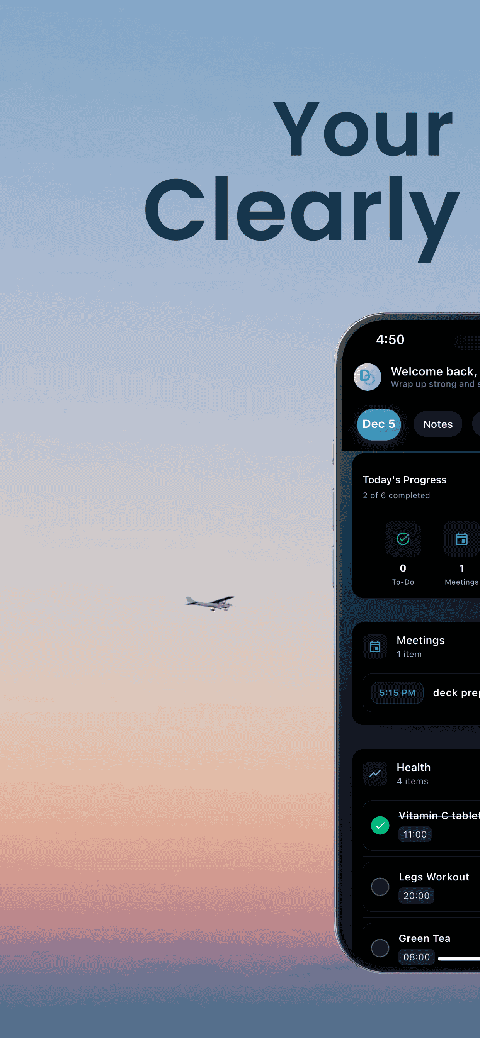
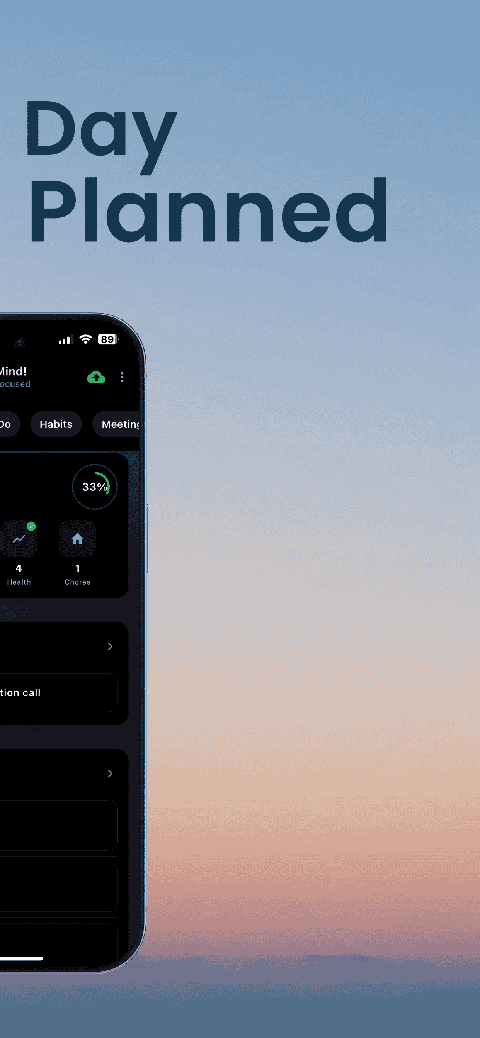
See your entire day visually in one place with DoMind's visual daily planner and task overview.

A clean visual planner designed for focus and calm.
Your life, organized
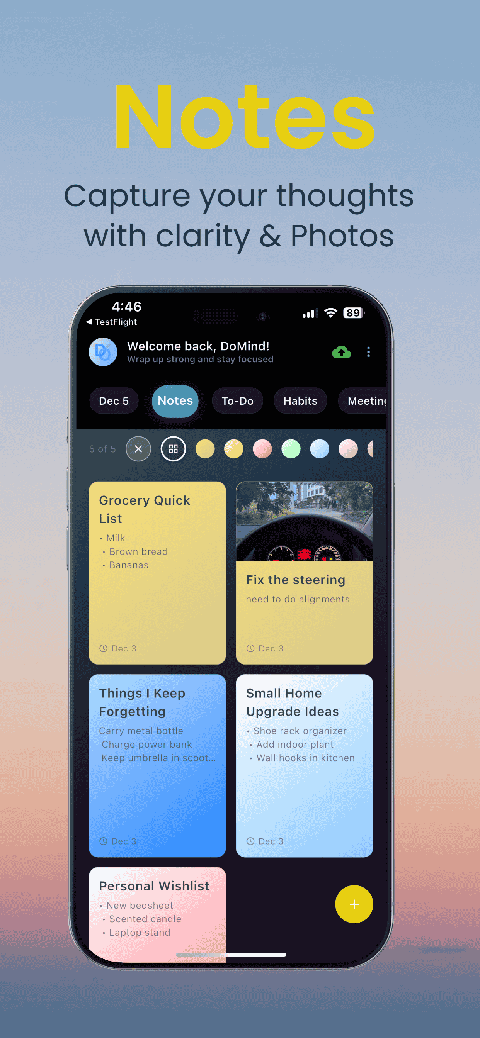
Visual notes
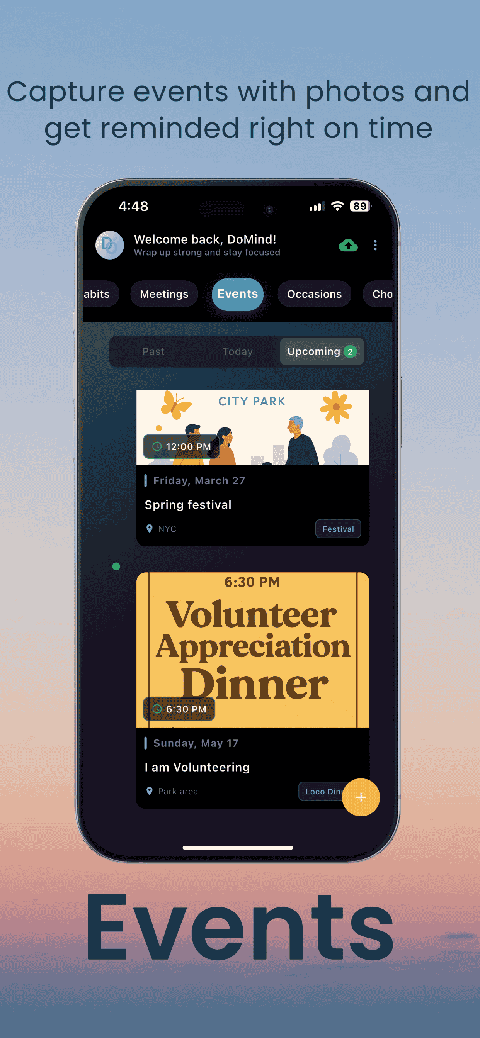
Plan events
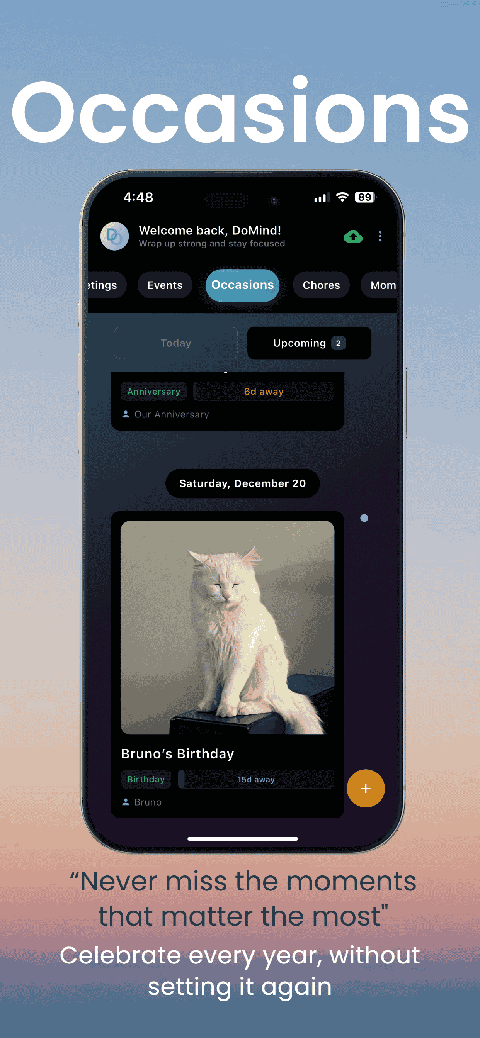
Private memories
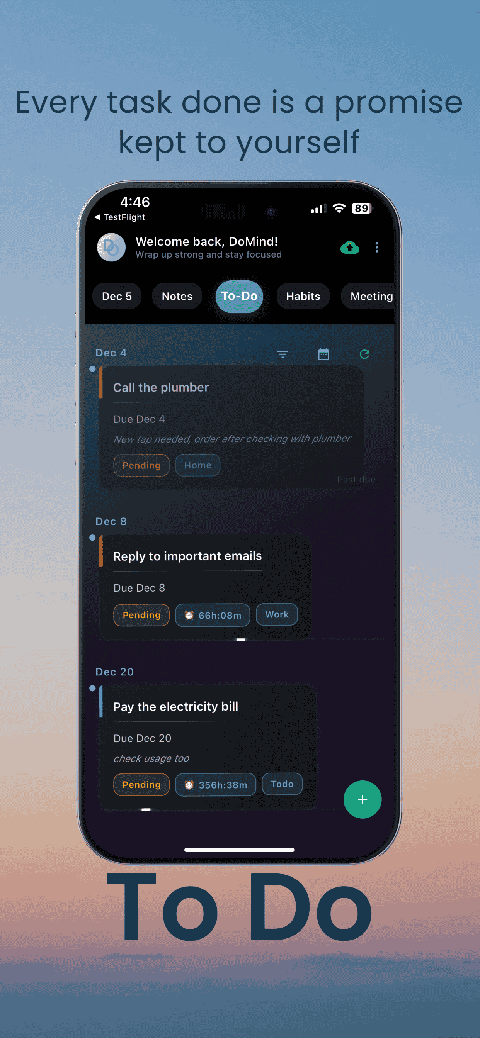
Manage tasks visually
Choose themes
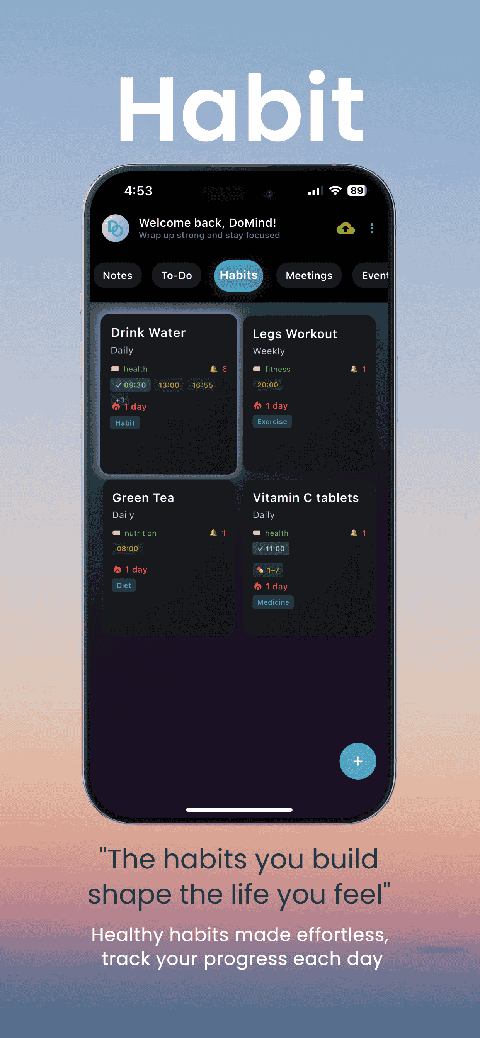
Track habits
Organize routines
Visual experience
Calm interface
Standard planners feel like a wall of text. They trigger overwhelm.
Download DoMind free — the visual planner that respects your privacy.
