Most productivity tools pile more noise into your busy life. DoMind actively subtracts it, leaving you with a clean, quiet slate to get meaningful things done.
Many productivity apps promise to help people work faster and stay organized. But in reality, many of these tools introduce more complexity than clarity.
Interfaces are often packed with dozens of features, notifications, integrations, and configuration options. While these systems may appear powerful, they can also become overwhelming.
Instead of improving focus, complex tools can create digital noise.
This noise appears in many forms:
For people who want a calm and focused environment, these distractions can reduce productivity rather than improve it.
This is why the idea of clutter-free productivity is becoming increasingly important.
Clutter-free productivity is the concept of removing unnecessary complexity from the tools we use to manage our time and tasks.
Instead of adding more features, a clutter-free system focuses on reducing friction and simplifying the experience.
A clutter-free productivity environment typically includes:
The goal is not to remove useful functionality, but to remove everything that does not directly support focus.
When digital tools become simpler, users can spend more time doing meaningful work instead of managing complicated software.
Focus is strongly influenced by the environment around us.
When our workspace is cluttered, our attention becomes fragmented. The same principle applies to digital environments.
Busy interfaces compete for attention. Every button, notification, and visual element pulls mental energy away from the task that actually matters.
A distraction-free productivity app reduces this problem by simplifying the visual environment.
With fewer competing elements on the screen, the brain can concentrate on one task at a time.
This reduction in cognitive load makes it easier to maintain deep focus for longer periods.
In recent years, many users have started searching for minimalist productivity tools that prioritize clarity over complexity.
Minimalist productivity apps follow a simple philosophy: the interface should stay out of the way.
Instead of overwhelming users with features, the design highlights only the most essential actions.
Minimalist systems often include:
These tools help create a calm digital workspace where productivity feels natural rather than forced.
Many people struggle with distractions throughout the day. Notifications, messages, and endless streams of information compete for attention.
A focused work tool helps counteract these distractions by providing a controlled and simple environment.
In a distraction-free productivity app, the interface avoids unnecessary visual noise and keeps attention on the tasks themselves.
This type of environment supports deep work — the ability to concentrate fully on meaningful tasks without interruption.
When distractions are minimized, even short work sessions can become significantly more productive.
Clutter-free productivity is not only about removing features. It is also about presenting information clearly.
Many traditional task managers rely heavily on long text lists. Over time, these lists can become difficult to scan and understand.
A simple task manager benefits from visual structure that helps users quickly see their priorities.
Visual organization allows tasks, routines, and responsibilities to appear in a clear layout instead of a dense block of text.
This approach helps users understand their schedule at a glance.
When information is easier to process, planning and decision-making become faster and less mentally exhausting.
Cognitive overload occurs when a system requires too much mental effort to understand.
Many complex productivity tools unintentionally create this problem by introducing too many layers of organization.
Users may be asked to manage:
While these systems can be powerful, they also increase the effort required to simply manage everyday tasks.
A clean productivity workspace removes unnecessary layers and focuses on clarity.
Instead of navigating complicated systems, users can focus on the tasks themselves.
A calm digital workspace provides several advantages for long-term productivity.
When tools are simple and uncluttered, users often experience:
Many people abandon productivity apps not because they lack motivation, but because the tools themselves become too complicated.
Clutter-free systems solve this problem by making daily planning easier and more enjoyable.
People organize information in different ways. Some individuals prefer visual layouts, while others benefit from simplified task systems.
A flexible productivity tool should support a variety of thinking styles rather than forcing everyone into a rigid structure.
Clutter-free productivity environments work particularly well for users who prefer:
By reducing complexity, productivity tools become accessible to a wider range of users.
Another common source of digital noise is advertising and tracking systems.
Many apps rely on external services that monitor behavior or introduce promotional content.
This can interrupt focus and reduce the feeling of control over your workspace.
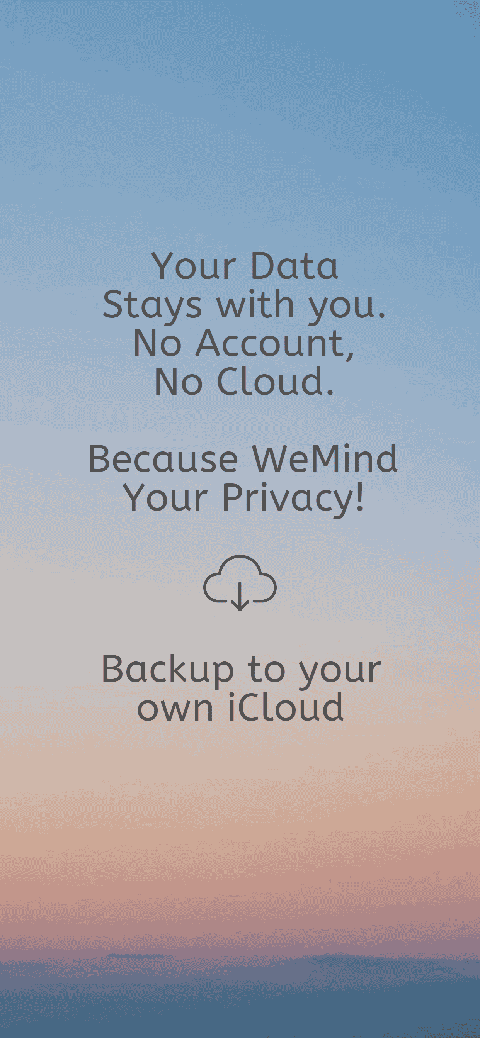
A privacy-first productivity system keeps your information on your device and avoids unnecessary external tracking.
This creates a calmer and more trustworthy environment for managing tasks and routines.
When your workspace is private and distraction-free, it becomes easier to concentrate on meaningful work.
Productivity tools should support focus, not compete for attention.
Clutter-free productivity removes unnecessary noise and creates a clean digital workspace where tasks are easy to understand and manage.
By simplifying interfaces, reducing distractions, and presenting information clearly, productivity tools can help users stay organized without feeling overwhelmed.
DoMind is designed around this philosophy.
Instead of overwhelming users with complicated systems, it provides a calm and simple environment where tasks, routines, and planning tools work together naturally.
When digital clutter disappears, focus becomes easier — and productivity becomes more sustainable.
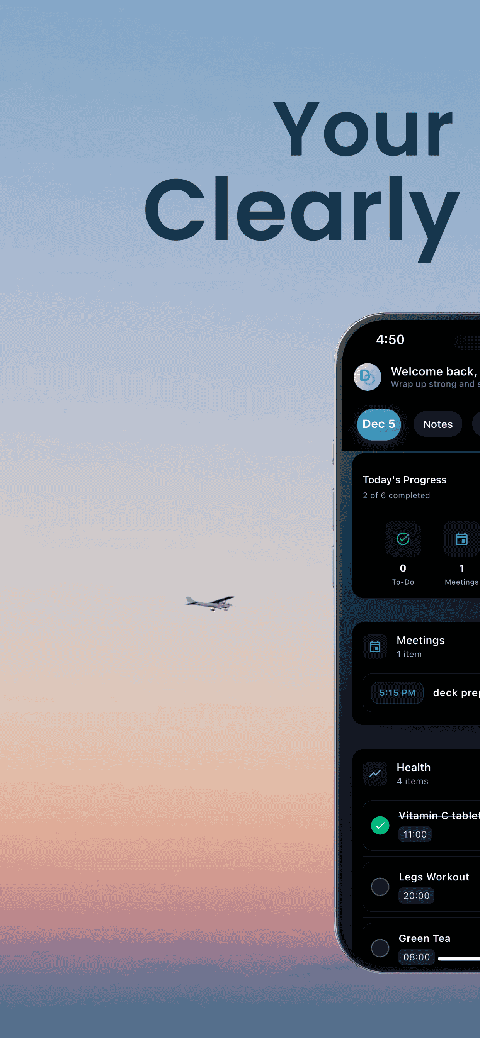
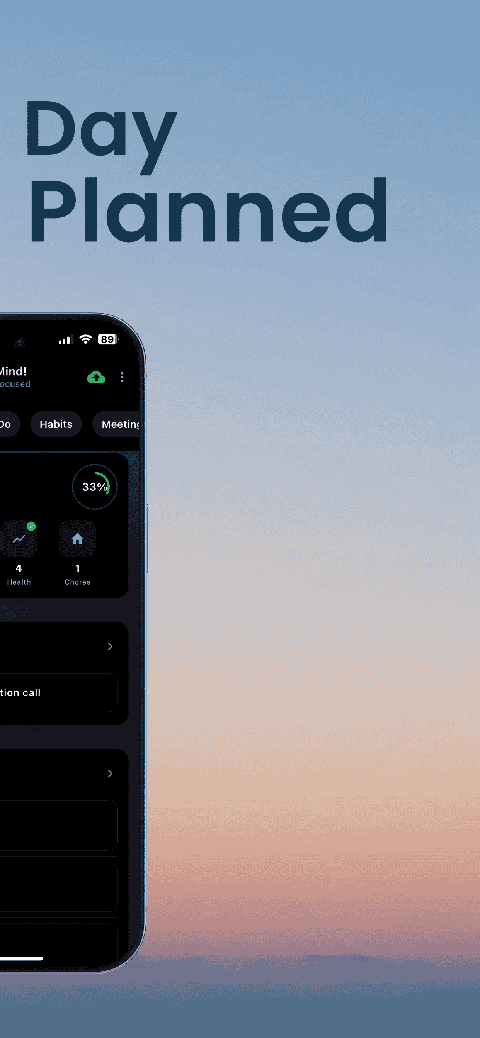
See your entire day visually in one place with DoMind's visual daily planner and task overview.

A clean visual planner designed for focus and calm.
Your life, organized
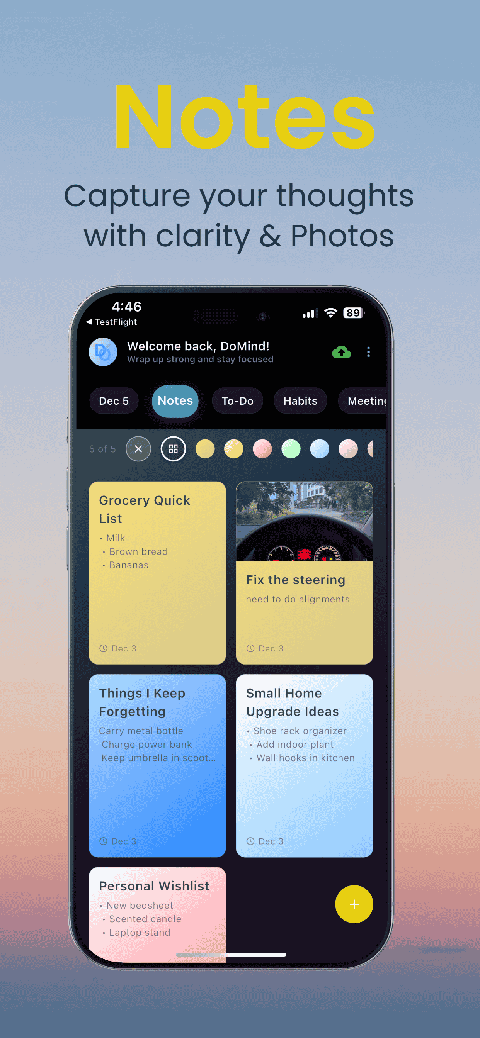
Visual notes

Plan events
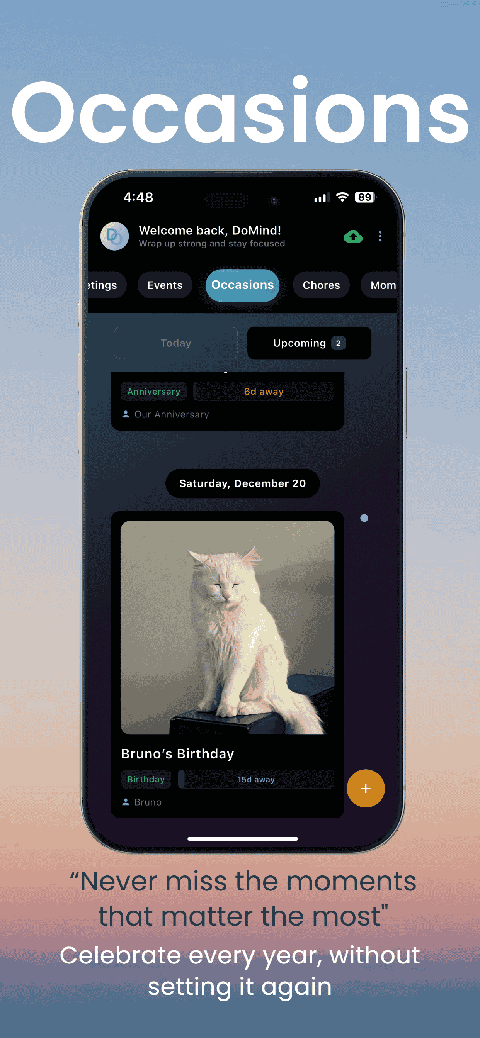
Private memories
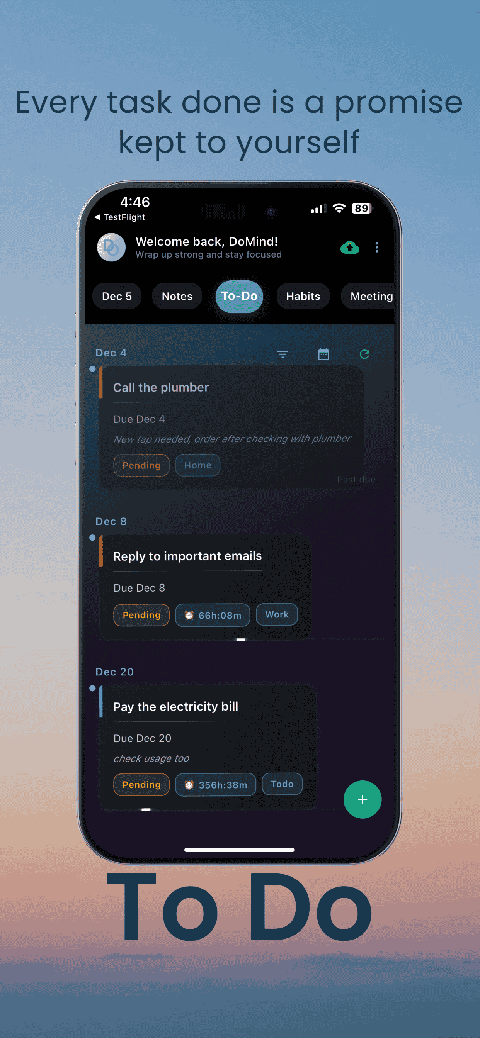
Manage tasks visually
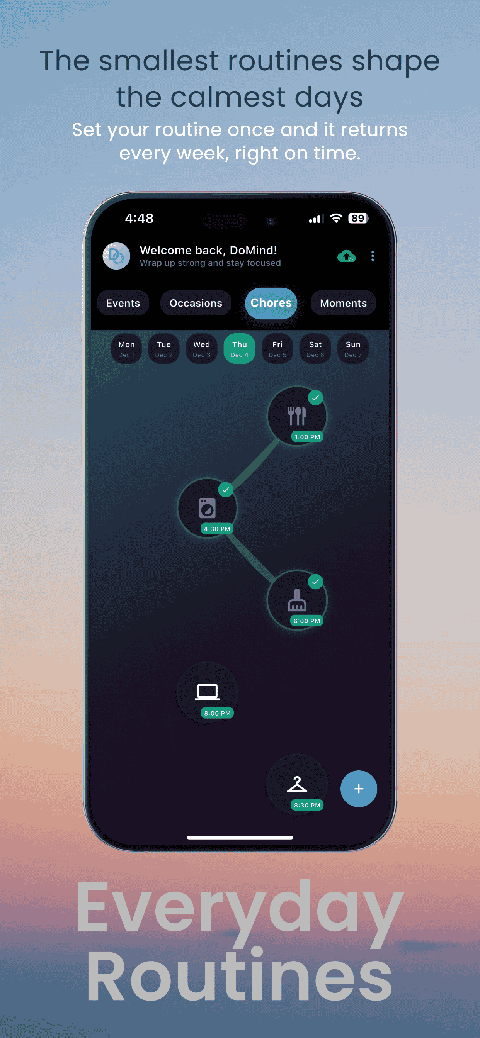
Choose themes
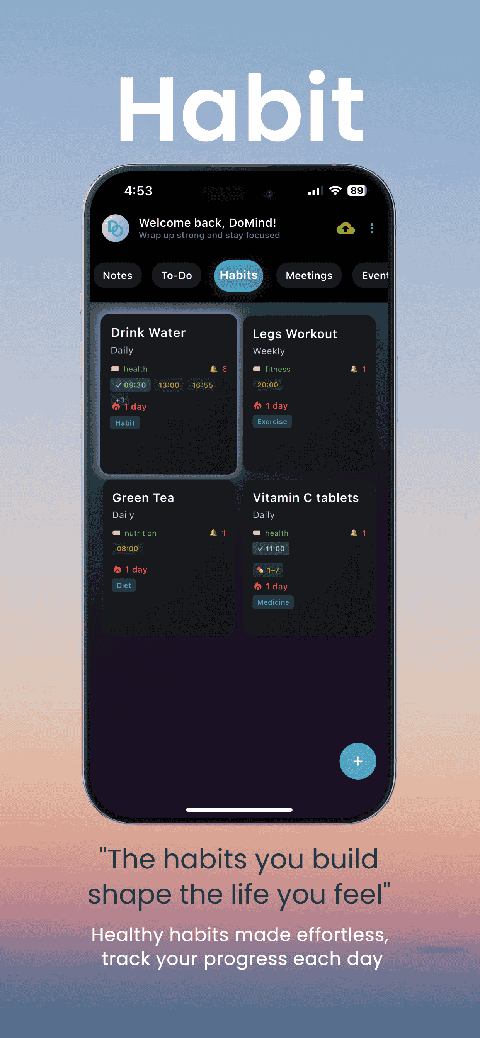
Track habits
Organize routines
Visual experience
Calm interface
Standard planners feel like a wall of text. They trigger overwhelm.
Download DoMind free — the visual planner that respects your privacy.
