Simple check lists are completely fine for groceries, but terrible for life goals. Radically upgrade to a visual system that handles your massive complexity with visual elegance.
Google Tasks is one of the simplest task management tools available today. It integrates directly with Gmail and Google Calendar, making it convenient for users who already rely on the Google ecosystem.
For quick reminders or small checklists, Google Tasks works well.
However, many users eventually begin searching for a Google Tasks alternative.
The reason is simple: life is more complex than a basic checklist.
People often need systems that support routines, long-term goals, and recurring responsibilities. When tasks become more complicated, simple lists may start to feel limiting.
This is why many people explore better to-do list apps that provide more structure and visual clarity.
Traditional task managers are built around lists.
Users create tasks, check them off, and move to the next item.
While this works for short lists, it can become overwhelming when responsibilities increase.
Common challenges with simple list-based planners include:
A visual task manager solves many of these issues by presenting responsibilities within a structured planning environment.
Many modern lifestyles involve managing multiple types of responsibilities simultaneously.
People often need to organize:
Trying to manage all of these elements inside a basic list can quickly become confusing.
An advanced task manager allows users to see how these responsibilities interact rather than treating them as isolated tasks.
Human brains process visual information faster than long blocks of text.
Instead of scanning endless lists, visual planners allow users to see their responsibilities in context.
A visual to-do list helps users quickly understand:
This visual structure makes planning feel more intuitive.
Instead of managing abstract lists, users can see their daily workflow clearly.
DoMind provides a planning system designed for people whose lives involve more than simple lists.
Instead of focusing exclusively on checklists, the app allows users to organize tasks alongside routines, schedules, and notes.
This approach helps transform fragmented task lists into a more holistic planning environment.
Within DoMind, users can organize multiple aspects of their lives:
This unified system allows users to manage their day without switching between multiple productivity tools.
One of the biggest challenges with traditional lists is prioritization.
When dozens of tasks appear in the same list, it can be difficult to determine what should be done first.
A visual task planner helps clarify priorities.
Instead of simply listing tasks, responsibilities appear within a visual structure that reflects real life.
This allows users to quickly see which tasks deserve attention.
Many everyday responsibilities repeat regularly.
Examples might include:
Google Tasks allows simple repeating tasks, but managing multiple routines can become difficult inside a basic list.
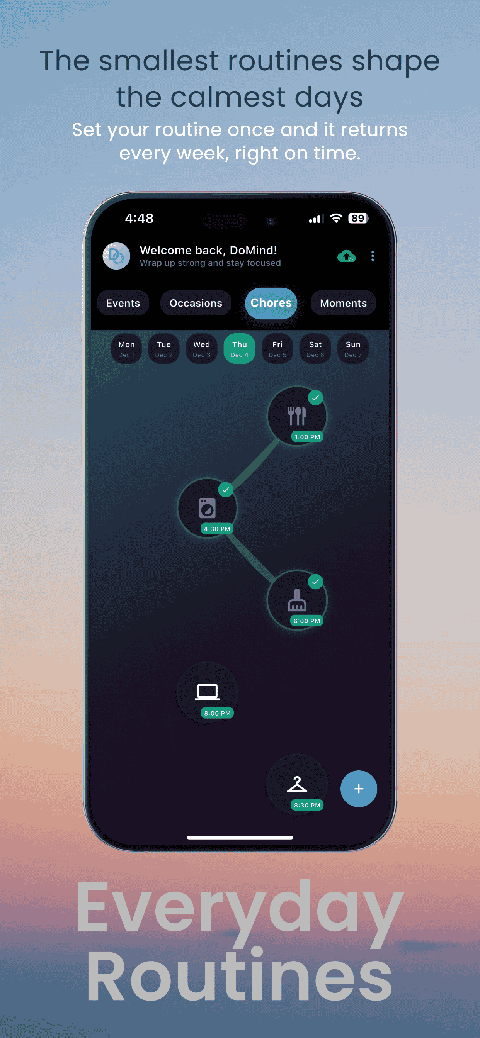
DoMind allows users to create recurring tasks that automatically reappear.
Tasks can spawn again when:
This helps maintain consistent routines without recreating tasks manually.
Most to-do list apps treat tasks as isolated items.
However, daily life involves more than just tasks.
People must also balance routines, events, personal goals, and unexpected responsibilities.
DoMind allows these elements to exist within the same visual planner.
This holistic perspective helps users understand how their day is structured.
Many productivity apps rely heavily on notifications.
While reminders can be useful, excessive alerts can become distracting.
DoMind allows users to add reminders only when necessary.
Alternatively, users can rely on visual planning instead of constant notifications.
This flexibility allows each person to create a workflow that matches their productivity style.
Many task managers rely heavily on cloud infrastructure.
If the internet connection becomes unstable, tasks may fail to load.
DoMind follows an offline-first architecture.
This means your planner works even without internet access.
Your tasks remain available anywhere:
This reliability ensures your planning system is always accessible.
Many productivity platforms store user data on remote servers.
While this allows synchronization, it also means your planning data is stored externally.
DoMind takes a local-first approach.
Your tasks, notes, and schedules remain on your device.
This architecture improves privacy while also making the planner faster.
Your tasks load instantly because they do not need to be retrieved from remote servers.
Google Tasks is excellent for quick checklists and simple reminders.
However, people who manage complex schedules or routines may benefit from exploring alternatives.
A Google Tasks alternative should provide greater clarity, flexibility, and visual organization.
DoMind offers a planning system where tasks, routines, and schedules exist together within a clear visual structure.
For many users, this approach transforms productivity from a long checklist into a system that reflects how life actually works.
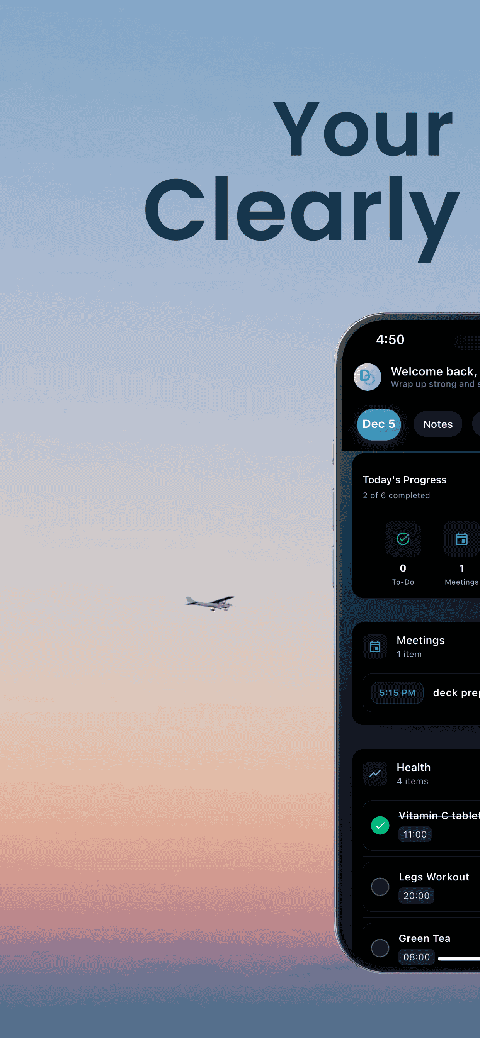
See your entire day visually in one place with DoMind's visual daily planner and task overview.

A clean visual planner designed for focus and calm.
Your life, organized
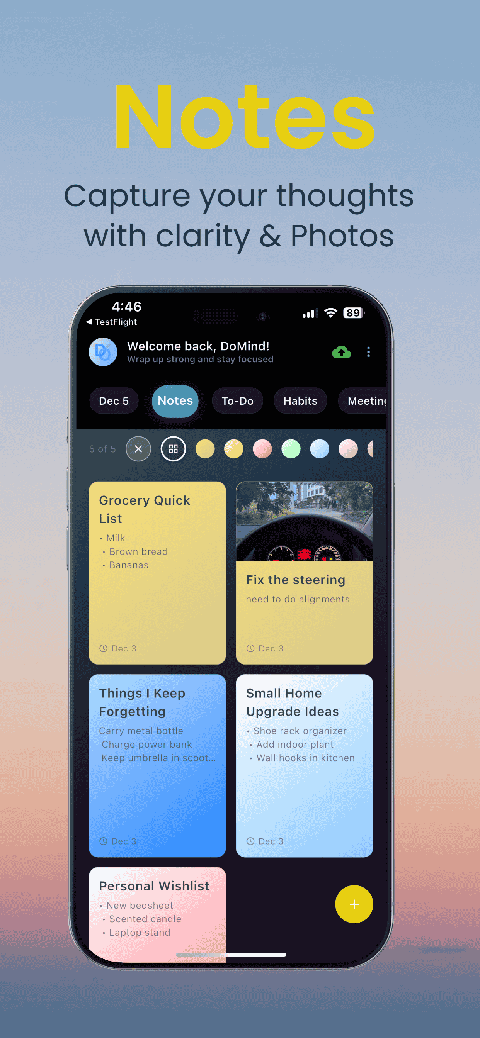
Visual notes
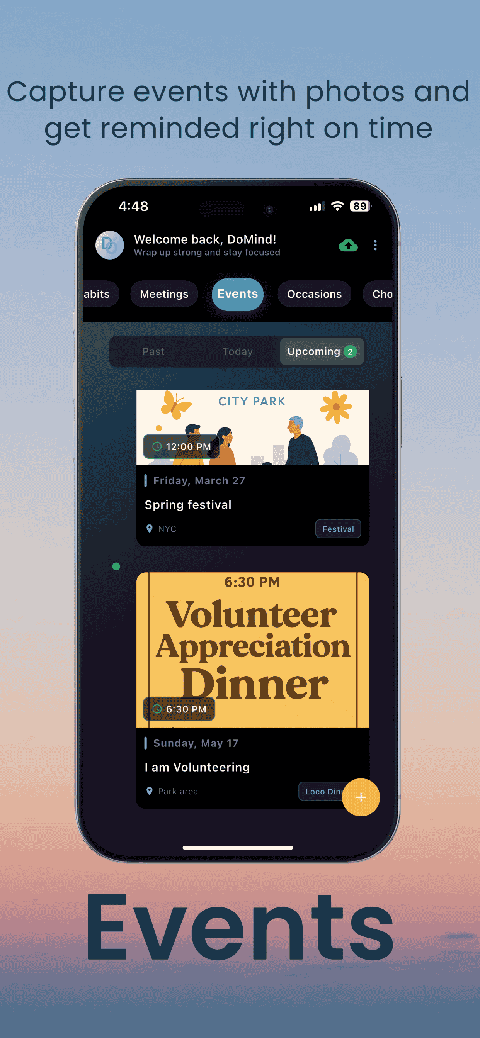
Plan events
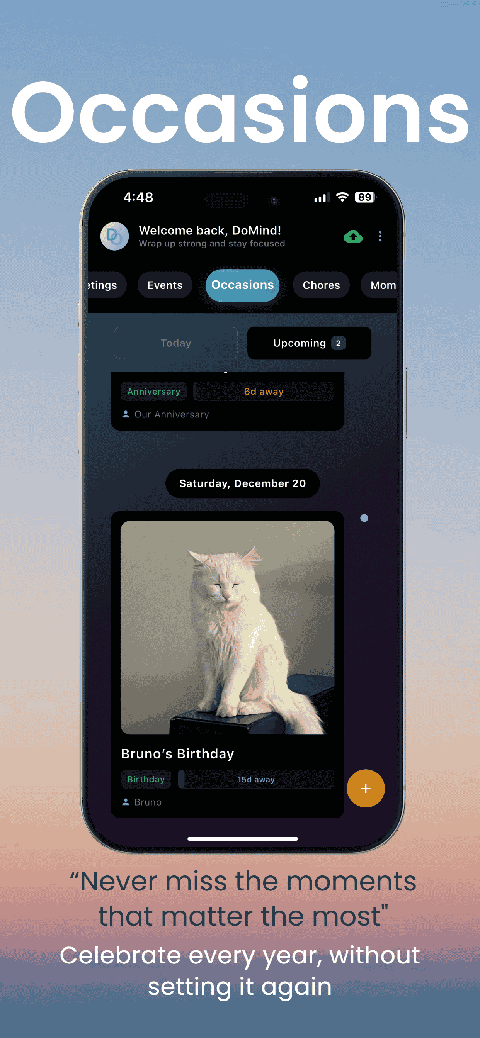
Private memories
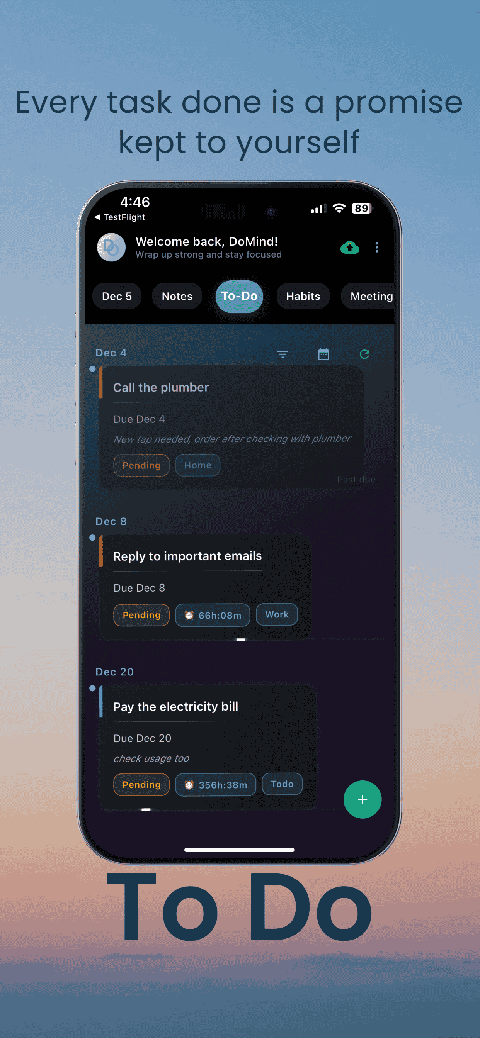
Manage tasks visually
Choose themes
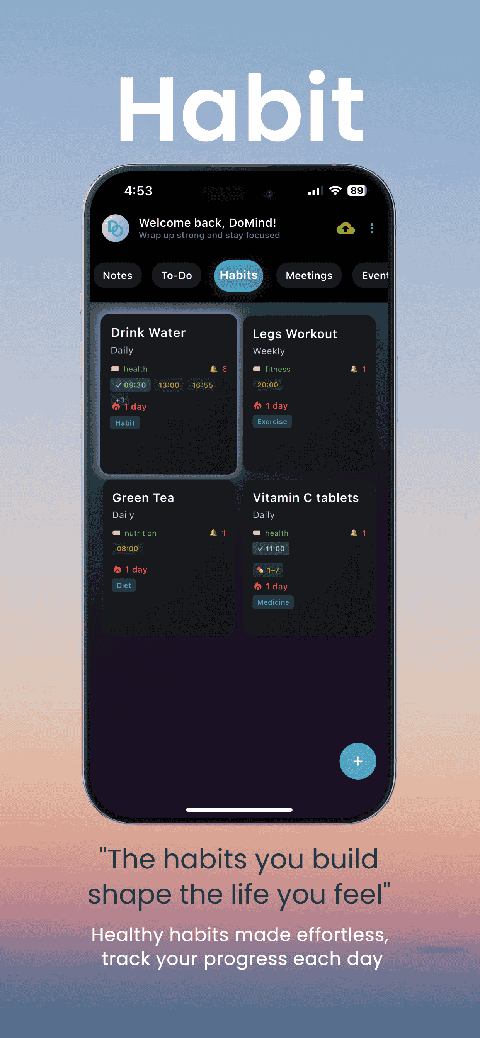
Track habits
Organize routines
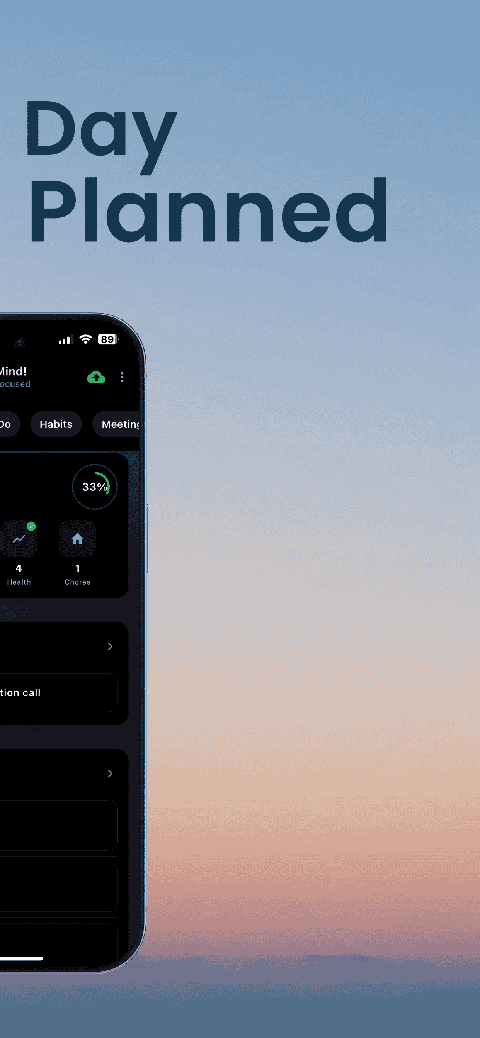
Visual experience
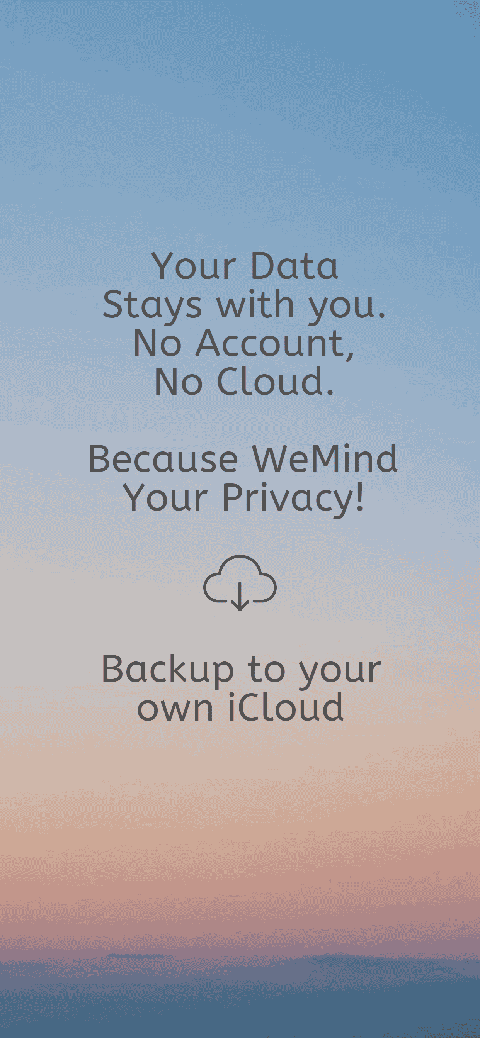
Calm interface
Standard planners feel like a wall of text. They trigger overwhelm.
Download DoMind free — the visual planner that respects your privacy.
