Aggressive AI auto-scheduling isn't right for everyone. Take back absolute control with a visual planner that manages your time exactly how *you* intentionally want it to.
Motion has become one of the most talked-about productivity tools in recent years. Its promise is simple: use artificial intelligence to automatically schedule your tasks and optimize your calendar.
For some users, this approach works well. The app analyzes tasks, deadlines, and meetings, then rearranges the schedule automatically.
However, many people eventually begin searching for a Motion app alternative.
The reason is not always about features. Often, it is about control.
Automated scheduling can sometimes feel unpredictable. When an algorithm constantly rearranges your day, it may become difficult to maintain a sense of ownership over your time.
This is why some users prefer a manual planner that allows them to decide exactly how their day is structured.
Many modern productivity apps now rely on artificial intelligence to assist with planning.
These systems promise to automatically organize schedules, prioritize tasks, and optimize time usage.
While AI scheduling can be helpful in some situations, it also introduces new challenges.
Users may experience:
For people who prefer to plan intentionally, this can feel frustrating.
A no-AI planner allows users to remain fully in control of their schedules.
Productivity tools should support how people think and work.
For many individuals, planning is not just about efficiency — it is about intention.
Manually planning tasks allows users to reflect on their priorities and make conscious decisions about how their time is spent.
A manual scheduling system helps users:
Instead of relying on algorithms, the user remains the decision maker.
People searching for apps like Motion often want a planner that provides structure without automation taking over the entire workflow.
A good Motion alternative should offer:
These qualities allow users to manage their schedules while maintaining control over their time.
DoMind offers a visual planning environment designed for people who prefer intentional organization.
Instead of automatically rearranging your schedule, DoMind provides tools that help you structure your day manually.
This approach keeps the user at the center of the planning process.
Within DoMind, users can organize multiple aspects of life inside one planner:
This unified system helps transform fragmented productivity tools into a single visual workspace.
One advantage of manual planning is clarity.
Instead of allowing algorithms to decide how tasks should be arranged, users can visually organize their day.
A visual planner helps users quickly understand:
This visual structure allows users to plan with intention while remaining flexible when schedules change.
Rigid scheduling systems can sometimes create pressure.
If every minute of the day is automatically assigned, unexpected interruptions can disrupt the entire plan.
DoMind offers a more flexible planning approach.
Tasks and routines can be organized visually without forcing every activity into strict time slots.
This allows users to maintain structure while adapting to real-world changes.
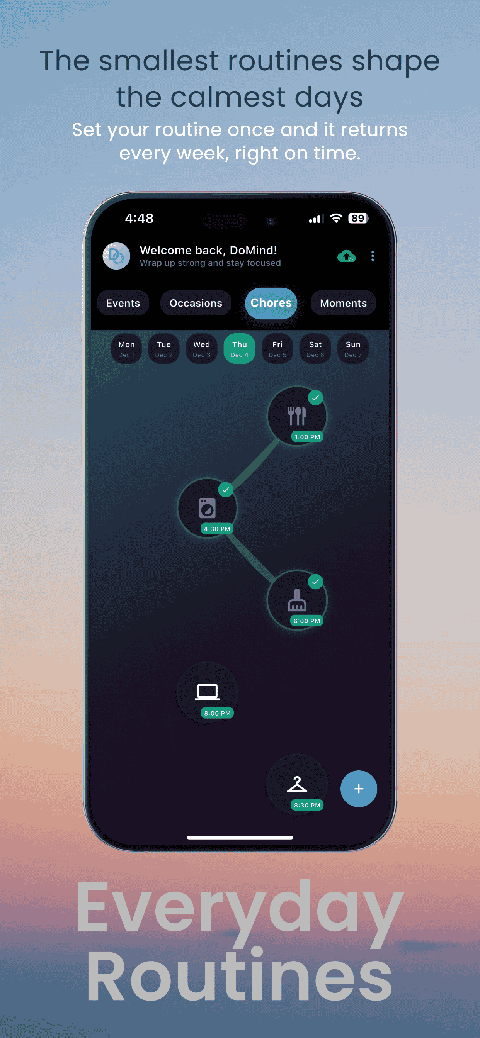
Many responsibilities repeat regularly.
Examples include:
DoMind allows users to create recurring tasks that automatically reappear.
Tasks can spawn again when:
This helps maintain consistent routines without constantly rebuilding schedules.
Some people appreciate reminders that alert them before important tasks or meetings.
Others prefer quieter planning systems.
DoMind supports both approaches.
Users can add reminders when needed or rely purely on visual planning.
This flexibility allows each user to create a productivity system that fits their workflow.
Many AI-driven productivity tools rely heavily on cloud infrastructure.
If the internet connection becomes unstable, scheduling systems may fail to function properly.
DoMind follows an offline-first architecture.
This means your planner continues working even without internet access.
Your tasks remain available anywhere:
Your planning system remains reliable regardless of connectivity.
Many modern productivity apps store user data on remote servers.
This can raise concerns about privacy and data ownership.
DoMind takes a local-first approach.
Your tasks and schedules remain stored directly on your device.
This architecture helps ensure that your productivity data stays private while also improving performance.
Your planner loads instantly because information does not need to be retrieved from remote servers.
AI scheduling tools like Motion offer powerful automation features that work well for some users.
However, people who prefer intentional planning and manual control may benefit from exploring alternatives.
A Motion app alternative should provide structure without taking away control.
DoMind offers a visual planning system where tasks, routines, and schedules can be organized intentionally.
Instead of letting algorithms decide your day, you remain fully in charge of how your time is used.
See your entire day visually in one place with DoMind's visual daily planner and task overview.

A clean visual planner designed for focus and calm.

Your life, organized
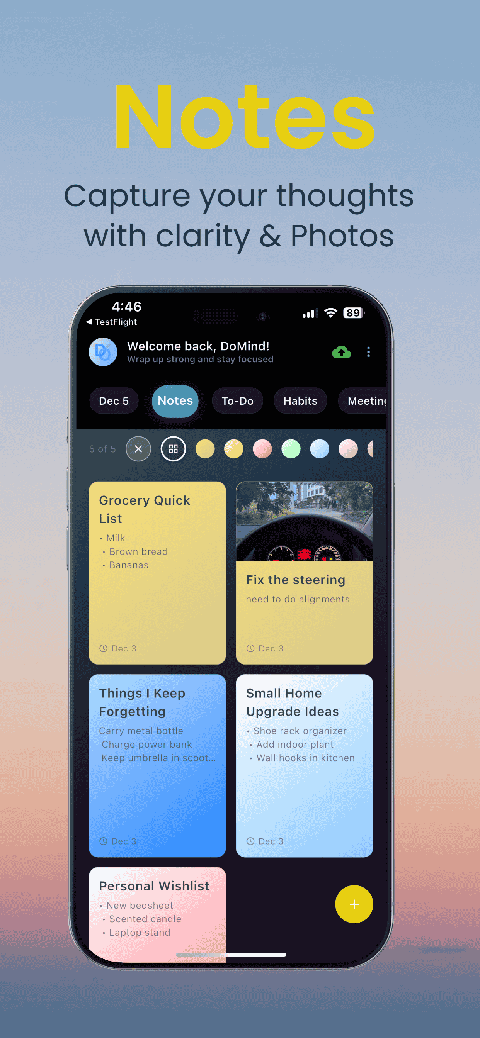
Visual notes

Plan events
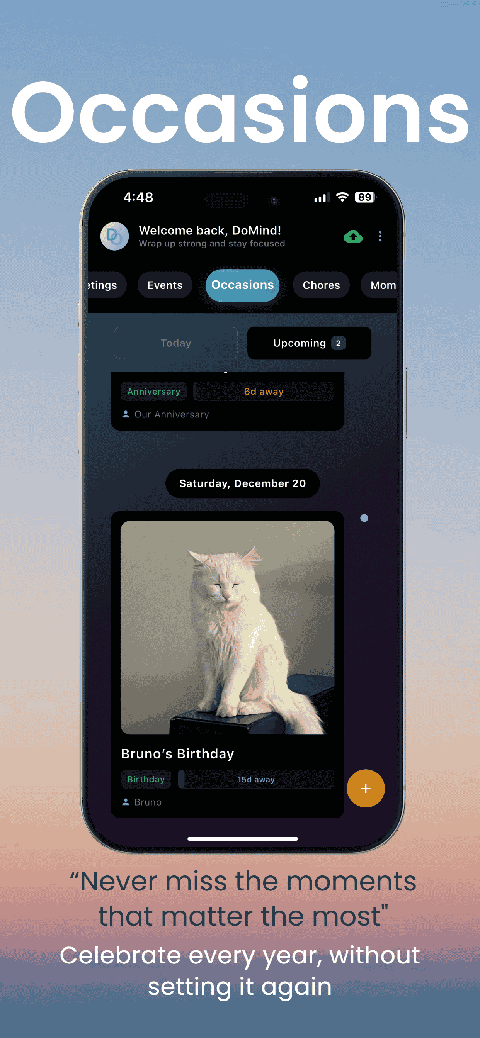
Private memories
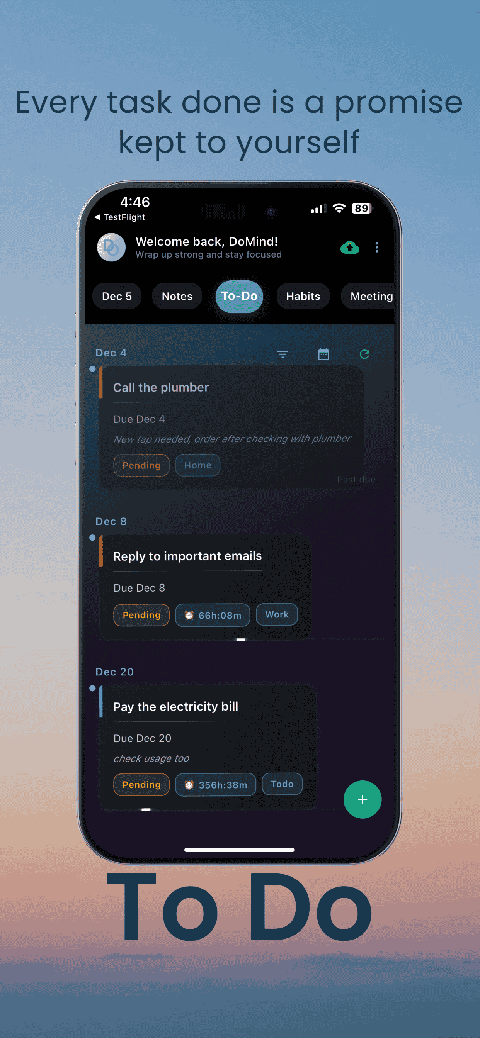
Manage tasks visually
Choose themes
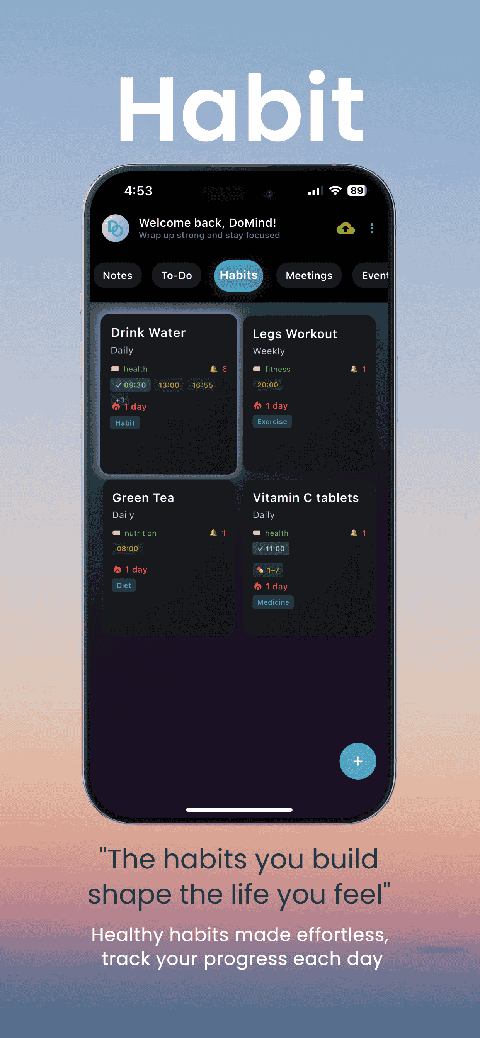
Track habits
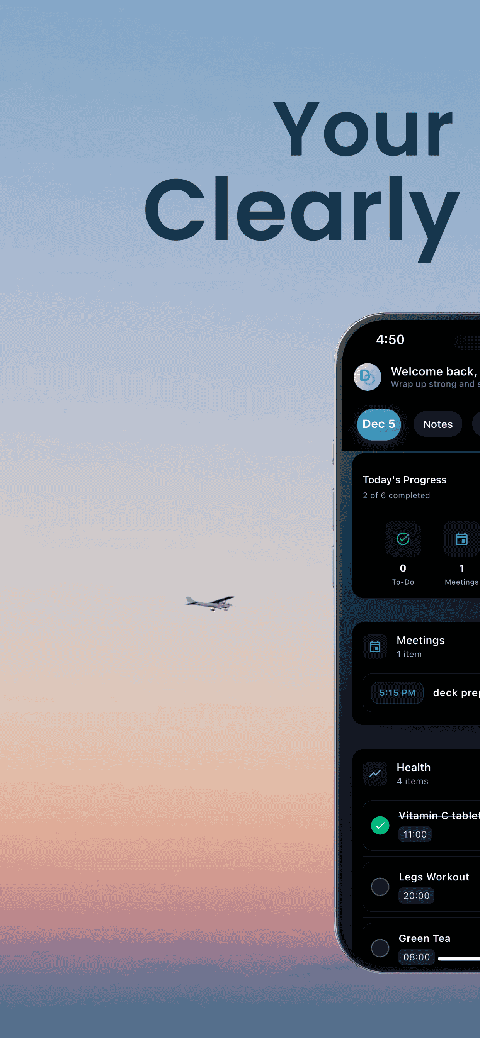
Organize routines
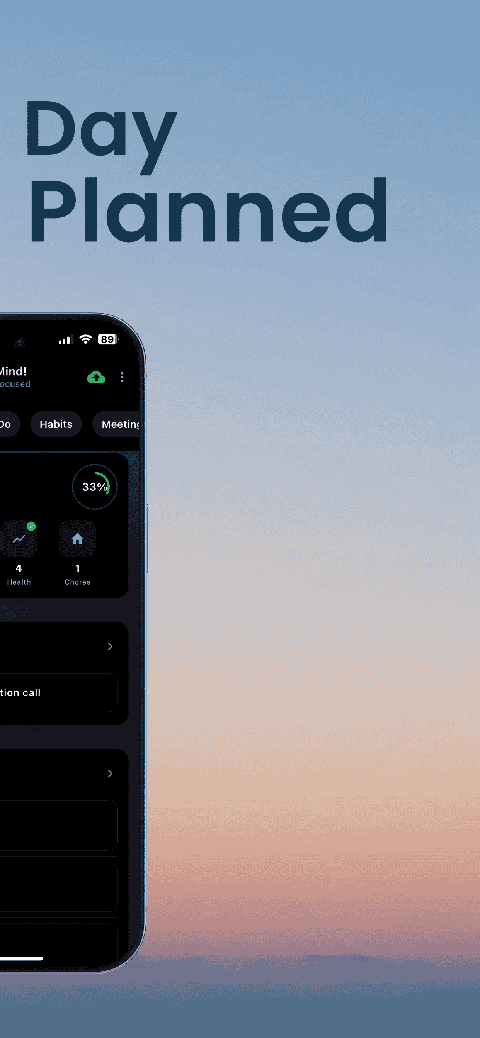
Visual experience
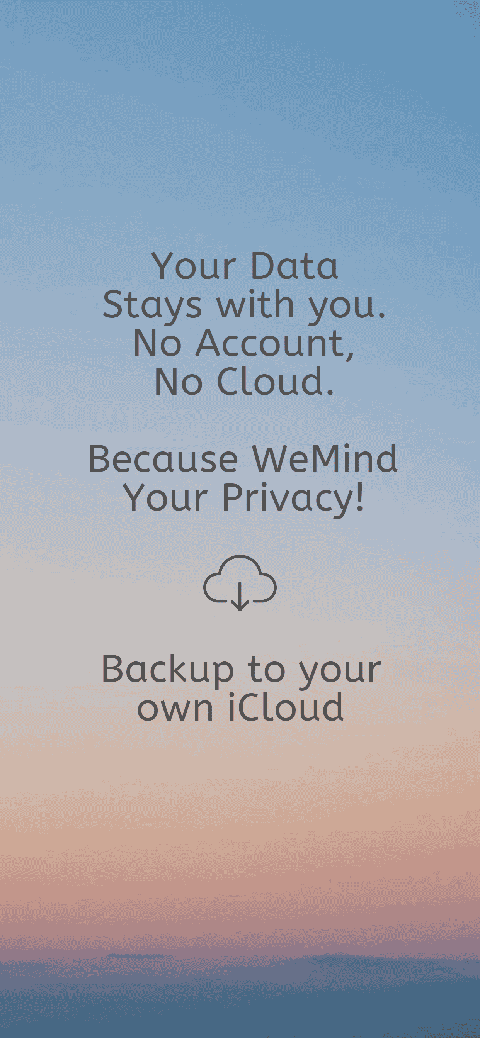
Calm interface
Standard planners feel like a wall of text. They trigger overwhelm.
Download DoMind free — the visual planner that respects your privacy.
