Opening your planner should literally never stress you out. Step into a digital environment carefully designed to be calm, quiet, and deeply supportive.
Modern digital tools often compete aggressively for attention.
Notifications flash across the screen. Colors compete for visibility. Animations move constantly. Alerts appear with loud sounds.
While these elements may increase engagement, they can also create significant stress for people with sensory sensitivities.
For individuals with ADHD, Autism, or sensory processing differences, overly stimulating interfaces can quickly become overwhelming.
This experience is often described as digital sensory overload.
When apps constantly demand attention, the brain becomes fatigued faster and focus becomes more difficult to maintain.
This is why sensory friendly app design has become increasingly important in modern productivity tools.
A sensory friendly app is designed to reduce unnecessary stimulation and create a calm digital environment.
Instead of overwhelming the user with visual noise or constant alerts, the interface focuses on clarity and comfort.
Sensory-friendly digital design often includes:
The goal is not to remove functionality, but to present it in a way that feels comfortable to use.
When digital environments are calmer, users can focus on their tasks without unnecessary distractions.
People with ADHD often experience heightened sensitivity to stimulation.
When too many inputs compete for attention at once, the brain may struggle to filter them effectively.
This can lead to what many describe as ADHD sensory overload.
In digital environments, overload may occur when:
Over time, this constant stimulation can increase mental fatigue and make productivity tools harder to use.
A low stimulation app helps reduce these problems by creating a calmer digital workspace.
A calm user interface supports focus by removing unnecessary visual noise.
Instead of demanding attention, the interface stays quietly in the background while users concentrate on their tasks.
A calm UI can provide several benefits:
When technology feels calm rather than chaotic, it becomes easier to use consistently.
Many productivity apps are designed around feature expansion.
Over time, new tools, dashboards, and options are added to increase capability.
While these features can be useful, they often increase interface complexity.
This can create:
For users with sensory sensitivities, these environments may feel exhausting rather than helpful.
A sensory-friendly productivity system takes a different approach by prioritizing simplicity.
DoMind was designed with calm interaction in mind.
Instead of overwhelming users with busy dashboards or flashing alerts, the app focuses on clarity and balance.
The goal is to create a low stimulation productivity app that feels comfortable to use throughout the day.
Several design choices support this experience:
This creates a digital environment where attention can stay on the task rather than the interface itself.
Digital noise is one of the biggest contributors to sensory overload.
Noise can appear in several forms:
A sensory-friendly planner reduces this noise by simplifying the interface.
DoMind organizes tasks, notes, events, habits, and routines inside a clear visual structure.
This helps users quickly understand their responsibilities without scanning cluttered screens.
Focus is easier to maintain when distractions are minimized.
Many people struggle to concentrate when digital tools constantly interrupt them.
A distraction-free productivity environment supports deep work by keeping the interface simple and predictable.
DoMind helps create this environment by presenting tasks and schedules visually while avoiding unnecessary visual noise.
This allows users to concentrate on their responsibilities rather than managing the tool itself.
Notifications can be helpful when used thoughtfully.
However, constant alerts can quickly become overwhelming.
DoMind allows users to decide how much guidance they want.
You can choose to:
This flexibility allows each user to create a digital environment that feels comfortable.
Digital tools are meant to help organize life, not create additional stress.
When apps are designed with sensory awareness in mind, they become easier to use and easier to trust.
Sensory-friendly design respects the fact that people experience digital environments differently.
DoMind was created to provide a calm digital workspace where tasks, routines, and responsibilities can be managed without overwhelming stimulation.
When your tools feel quiet, clear, and supportive, productivity becomes more sustainable.
A sensory-friendly digital environment allows your attention to stay where it matters most.
See your entire day visually in one place with DoMind's visual daily planner and task overview.

A clean visual planner designed for focus and calm.

Your life, organized
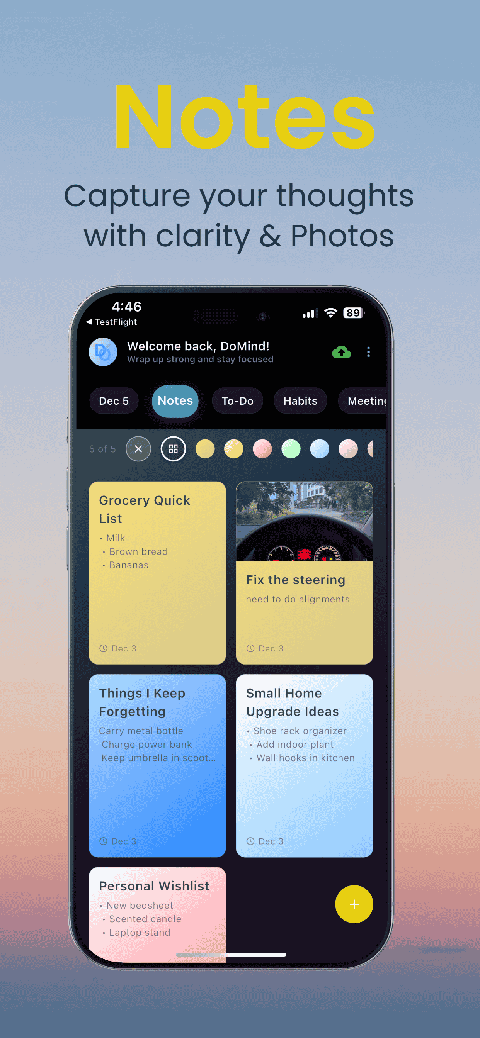
Visual notes

Plan events
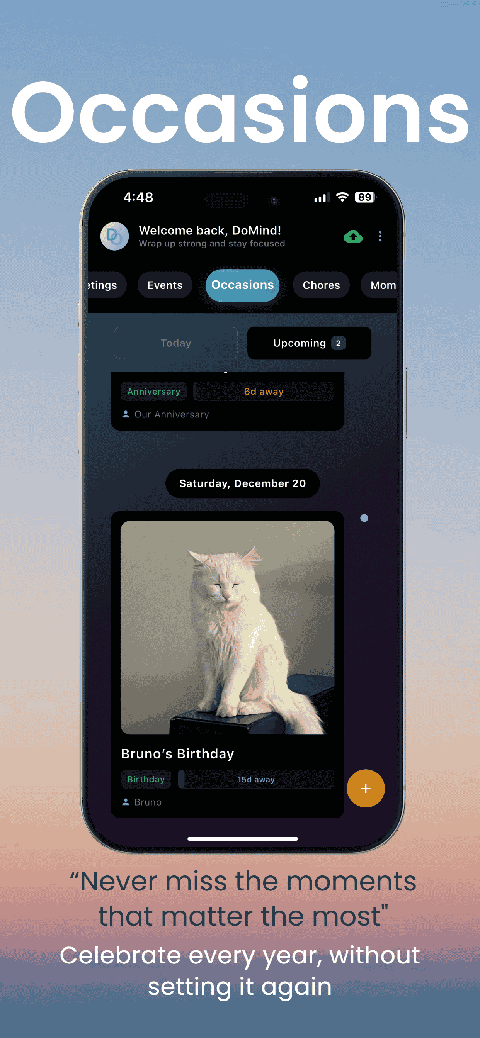
Private memories
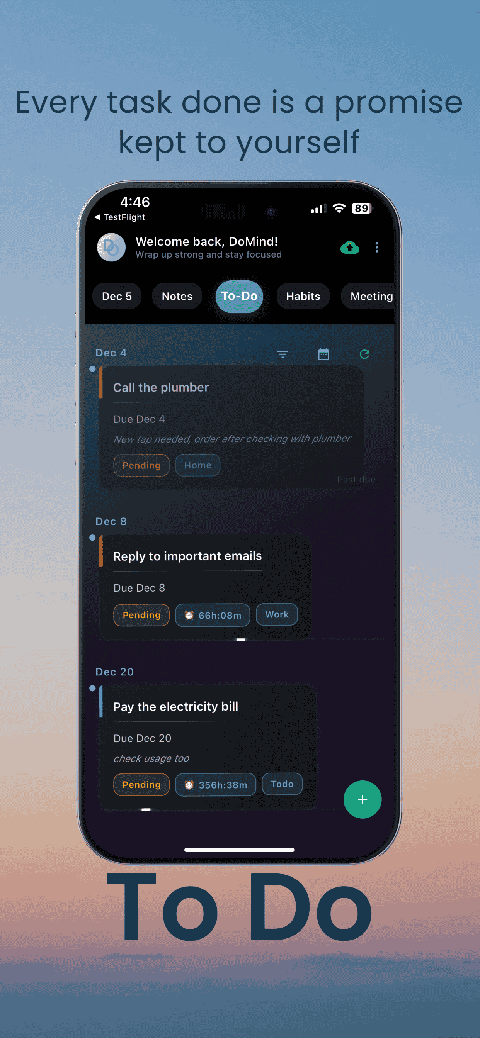
Manage tasks visually
Choose themes
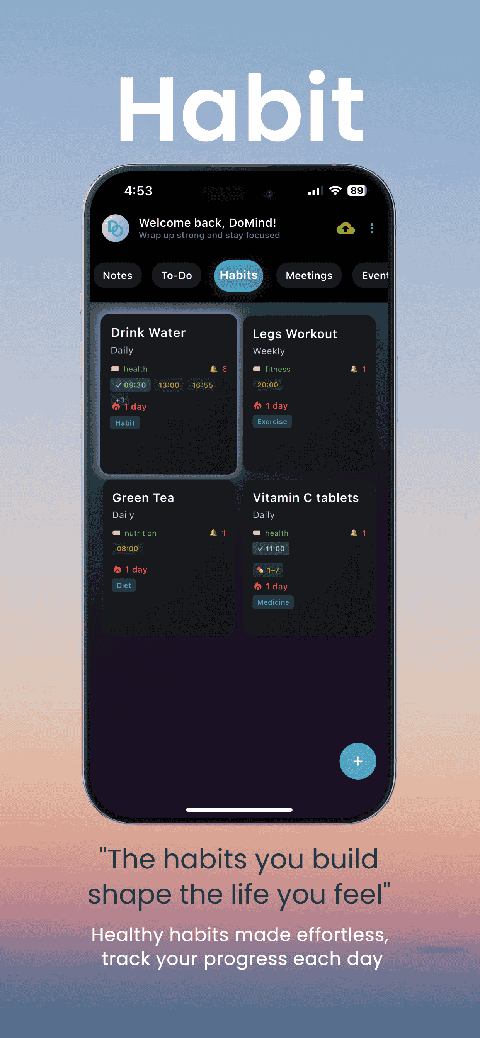
Track habits
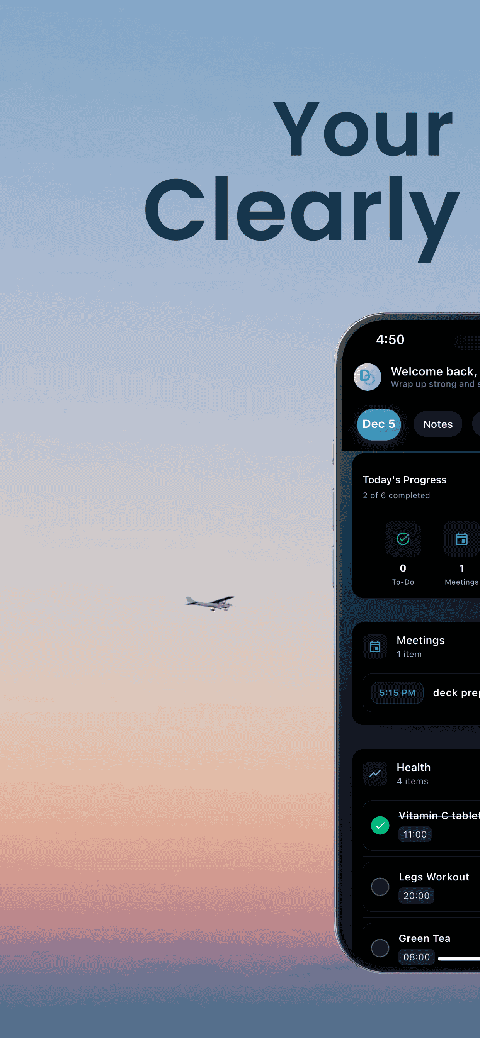
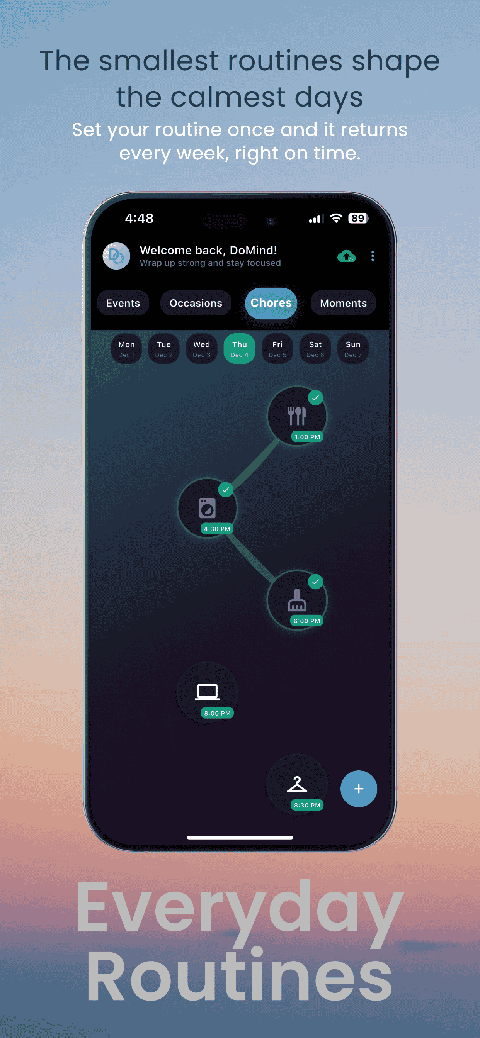
Organize routines
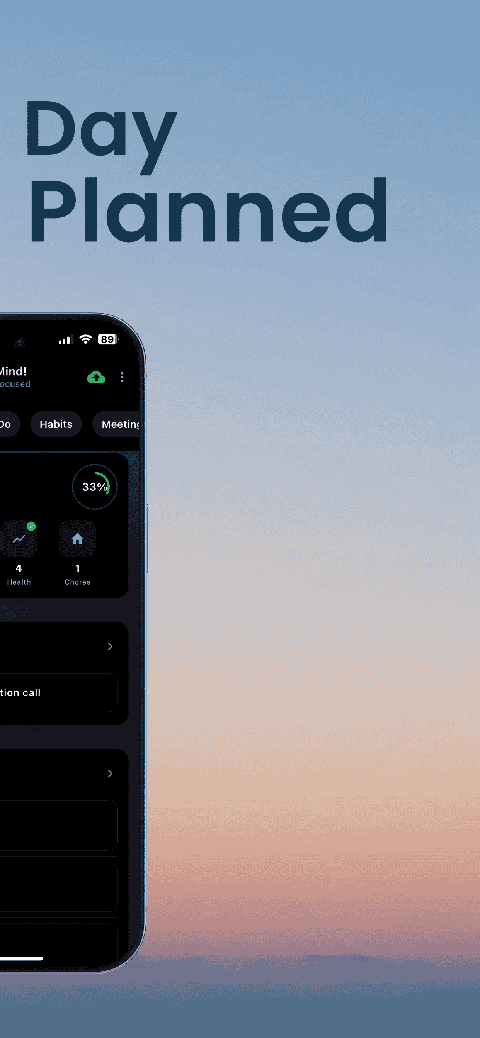
Visual experience
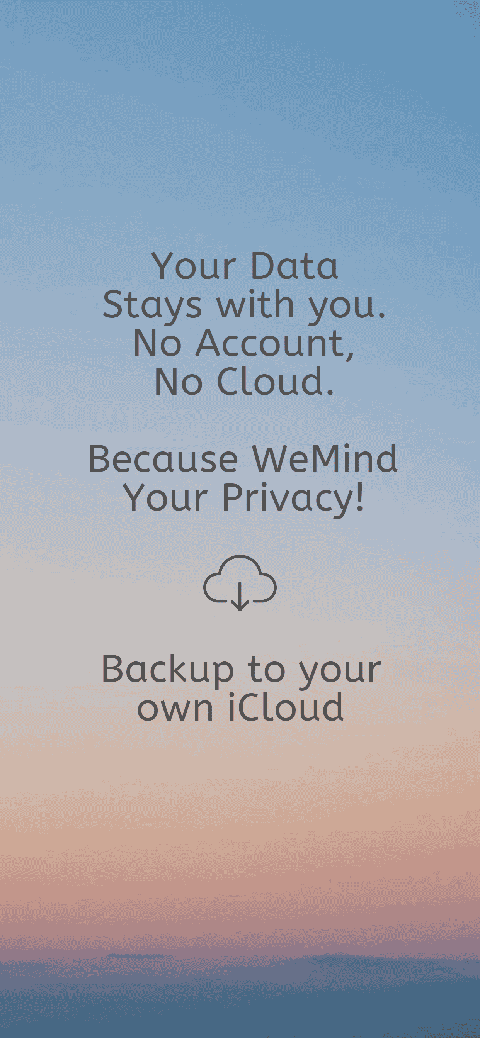
Calm interface
Standard planners feel like a wall of text. They trigger overwhelm.
Download DoMind free — the visual planner that respects your privacy.
