Visualizing your time isn't 'childish'—it's ruthlessly efficient. See your day laid out logically and manage your limited hours with absolute precision.
When people hear the phrase visual timer, they often imagine classroom tools designed for children.
But visual time management is not limited to education. In fact, many adults benefit even more from seeing time visually.
Modern work environments are complex. Professionals manage meetings, deadlines, projects, and personal responsibilities all within the same day.
Traditional calendars display time as numbers and text. While this format works for scheduling appointments, it does not always help people understand how their day actually flows.
This is where a visual timer app or visual planning system becomes useful.
Instead of thinking about time abstractly, users can see it laid out clearly.
Visualizing time helps transform planning from guesswork into something concrete.
Many productivity systems treat time as a list of appointments and deadlines.
But this approach can make it difficult to understand how your day is structured.
You may know that you have a meeting at 3:00 PM, but you might still struggle to answer questions like:
Without a clear sense of how time fits together, the day can feel fragmented.
A visual schedule for adults solves this problem by showing how tasks, meetings, and events relate to each other.
Instead of guessing how time is distributed, you can see it.
Humans are highly visual thinkers.
Visual information is processed faster than large blocks of text or numbers.
This is why visual planning systems can make time management significantly easier.
When time appears visually, users can quickly understand:
A visual planner for professionals reduces mental effort by making time easier to interpret.
One of the most effective ways to use visual timers is through a technique called time boxing.
Time boxing means assigning a specific block of time to a task.
Instead of working on something indefinitely, you dedicate a clear window of time to focus on that activity.
For example:
A time boxing app allows these work sessions to appear visually inside your schedule.
This creates boundaries that help protect focus.
When a task has a defined time block, it becomes easier to start and easier to stop.
Many professionals experience constant interruptions throughout the day.
Messages, emails, meetings, and unexpected tasks can fragment attention.
A visual planning system helps restore structure.
By organizing tasks and meetings inside a visual timeline, professionals can clearly see how their day is structured.
This helps answer important questions such as:
Visual clarity reduces decision fatigue and improves planning confidence.
DoMind was designed to provide a calm visual environment for planning tasks and time.
Instead of relying only on text lists or complex dashboards, DoMind organizes responsibilities within a visual timeline.
This helps users quickly understand how their day is structured.
Inside DoMind, users can manage different aspects of life within the same visual planner:
By combining these elements into one visual environment, planning becomes simpler and more intuitive.
Visual timers are particularly useful for focused work sessions.
Instead of relying on vague intentions, users can create a clear block of time dedicated to a task.
For example, you might create a visual block for:
Once the block begins, the focus becomes simple: work within that time window.
This reduces the pressure of finishing everything immediately.
The goal becomes progress within the time box.
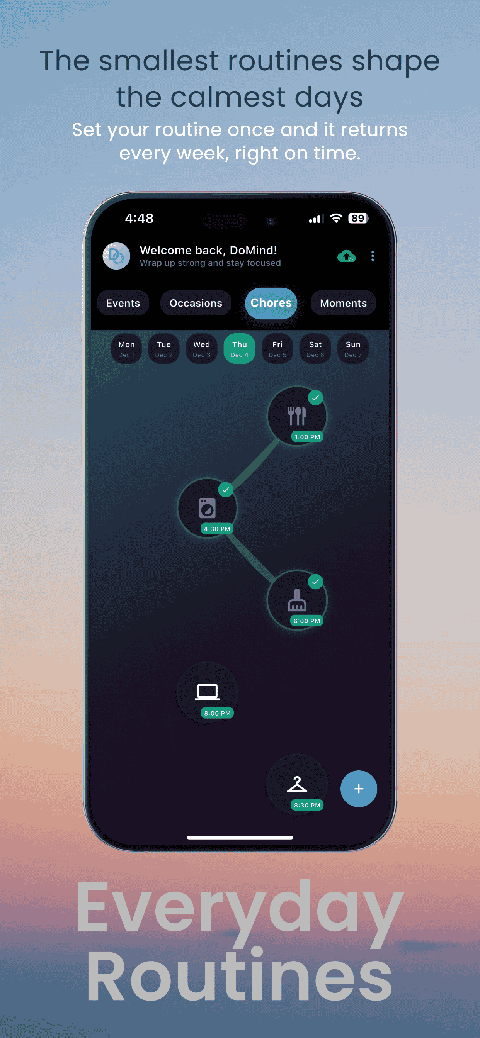
Many professional responsibilities repeat regularly.
Examples include:
Manually recreating these tasks each time can become tedious.
DoMind allows users to create recurring tasks that automatically appear again.
These tasks can:
This helps maintain routines without additional planning effort.
Some people prefer notifications that alert them when tasks or meetings are approaching.
Others prefer a quieter environment where reminders are unnecessary.
DoMind supports both styles.
Users can add reminders to important events or use the planner purely as a visual guide.
This flexibility allows professionals to build a planning system that fits their working style.
Productivity is not just about working harder. It is about understanding how time is used.
When time remains abstract, planning becomes difficult.
Visualizing time provides clarity.
Instead of guessing how long tasks might take, you can see how they fit into the day.
DoMind helps transform time management into a visual experience where tasks, meetings, routines, and responsibilities all exist within one structured environment.
When time becomes visible, planning becomes easier — and your day becomes far more intentional.
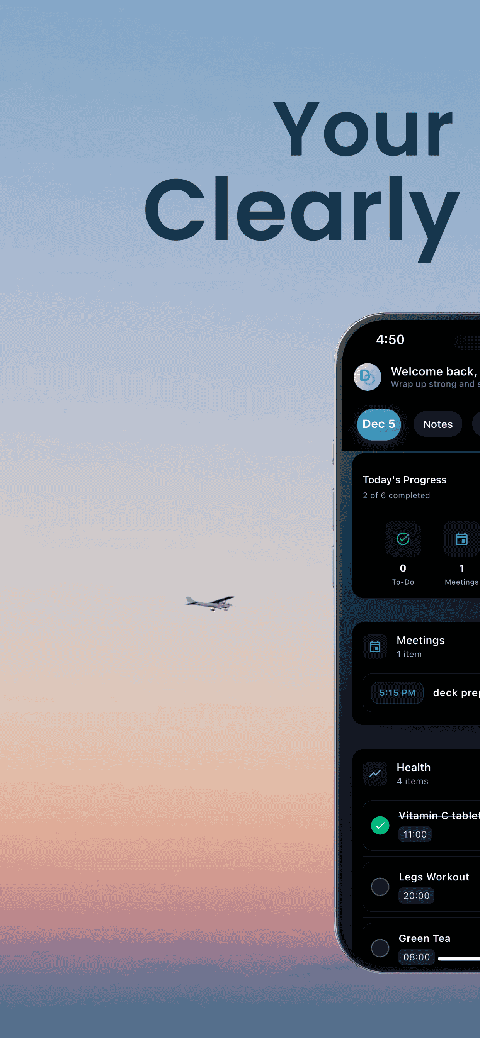
See your entire day visually in one place with DoMind's visual daily planner and task overview.

A clean visual planner designed for focus and calm.
Your life, organized
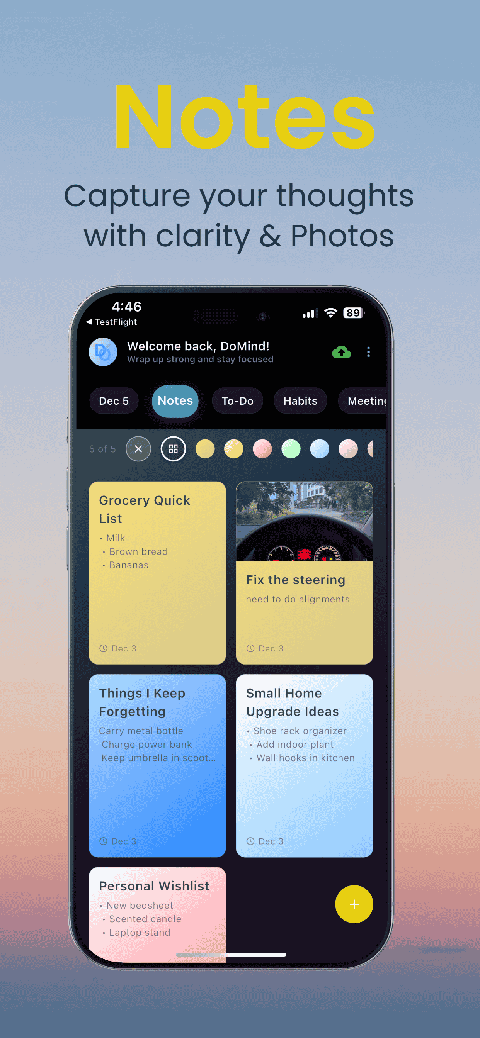
Visual notes
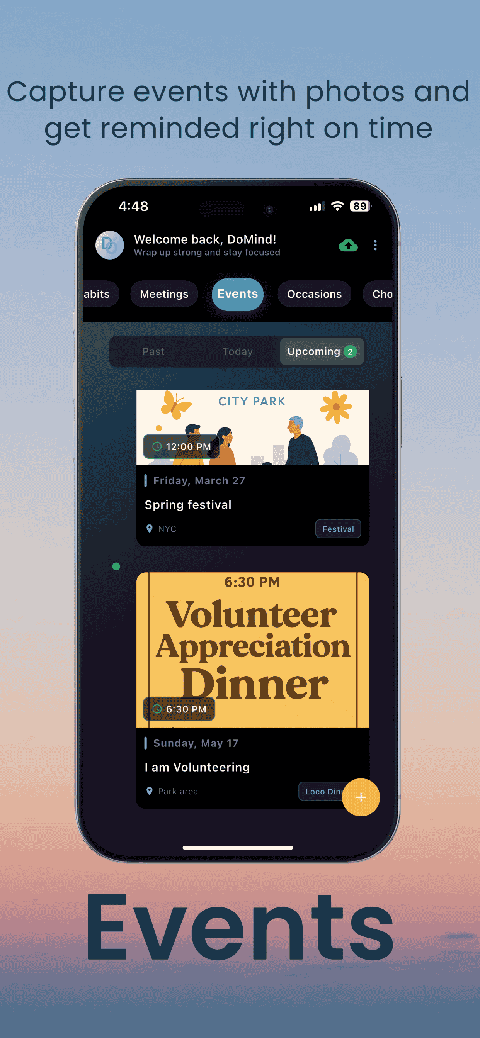
Plan events
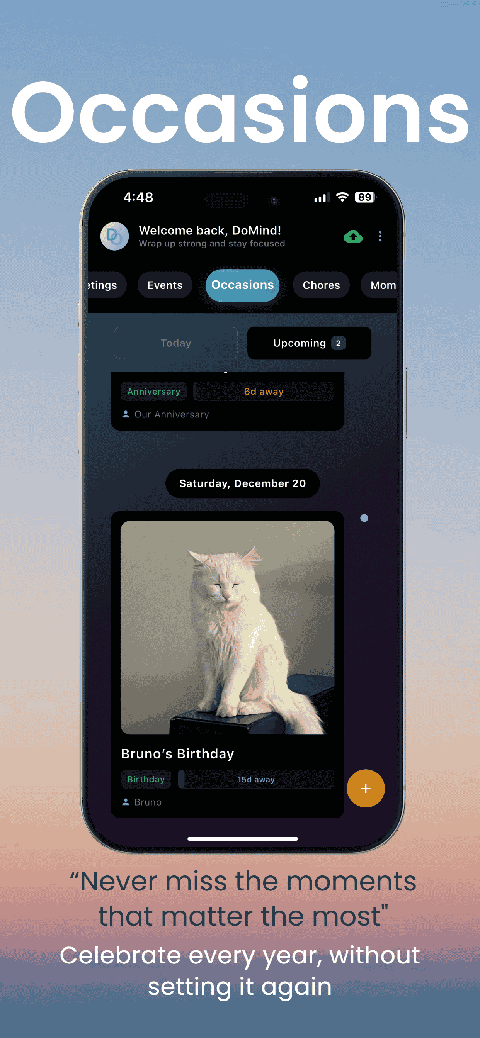
Private memories
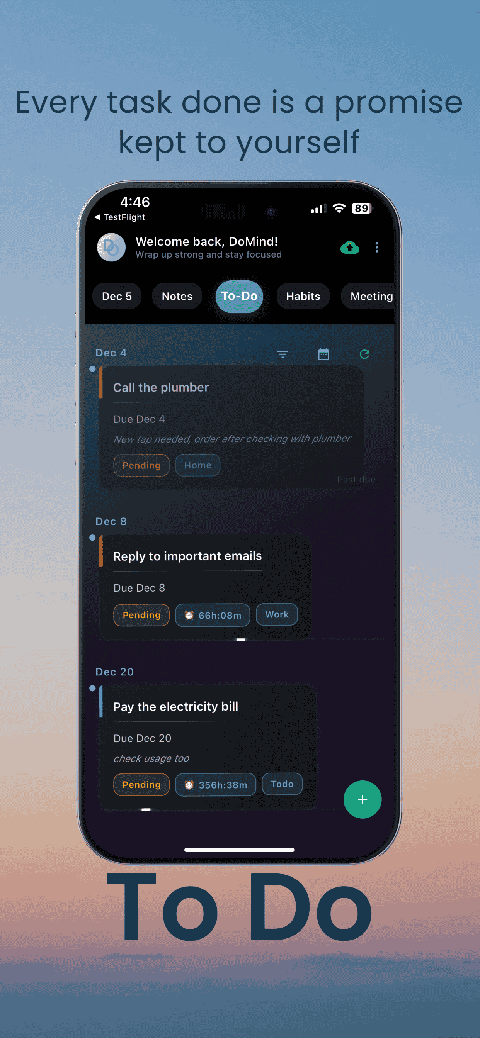
Manage tasks visually
Choose themes
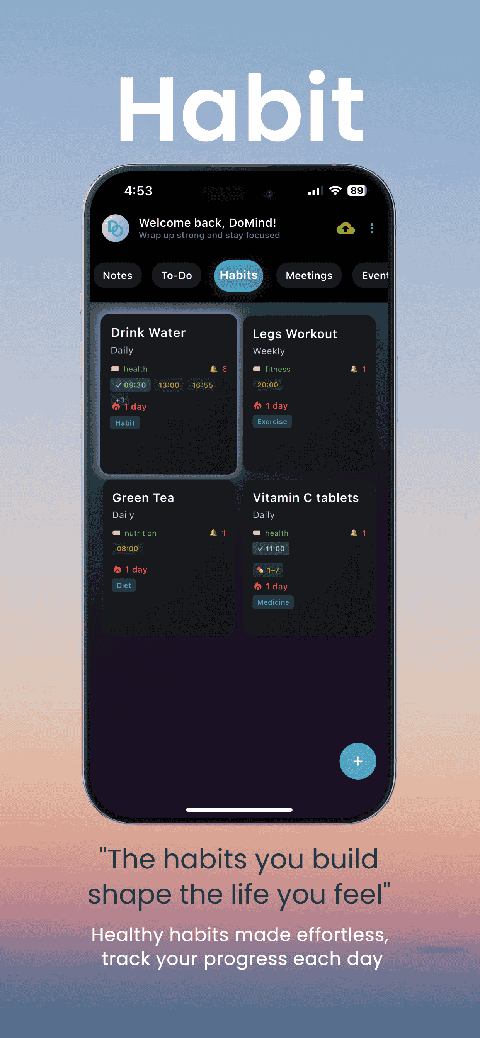
Track habits
Organize routines
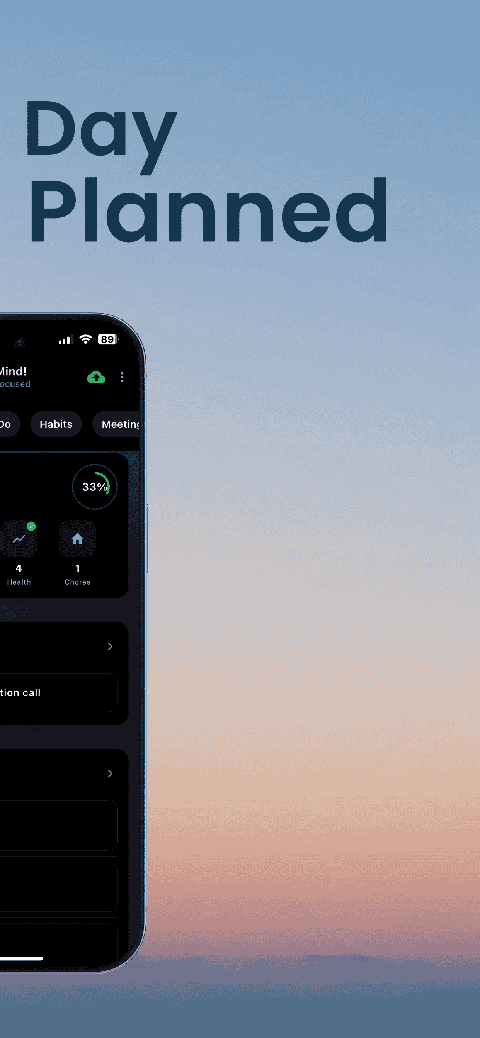
Visual experience
Calm interface
Standard planners feel like a wall of text. They trigger overwhelm.
Download DoMind free — the visual planner that respects your privacy.
